From one Personal account to another Personal account
Open the File menu. Select Open Document. In the Open Document window, go to My computer.
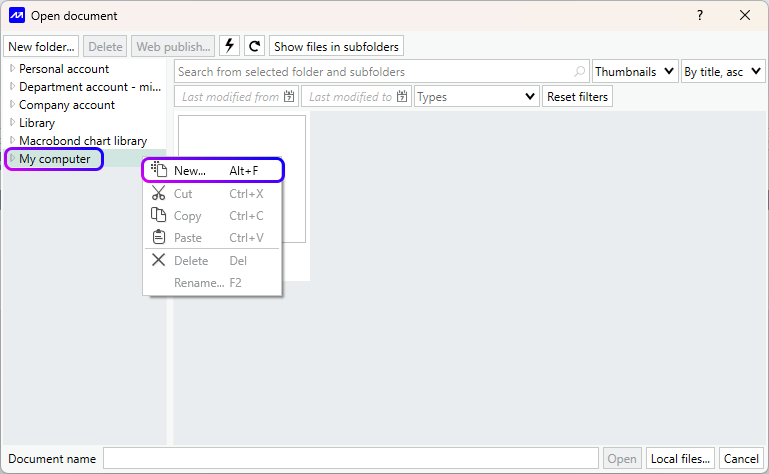
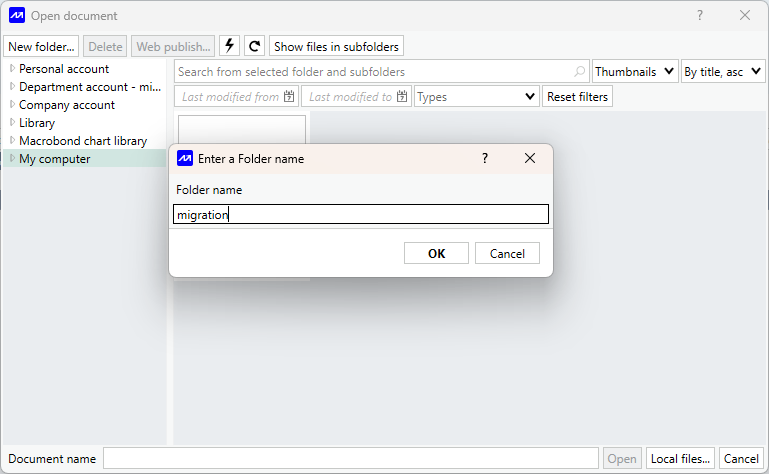
Create a new folder under My computer. Give the folder a clear name, for example Migration, it will be used for moving or storing files temporarily.
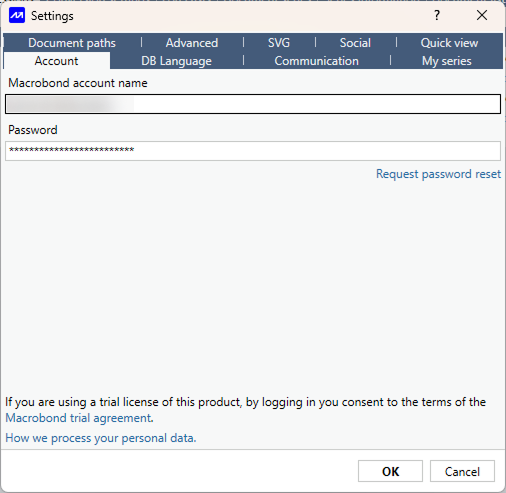
Sign in to your old account; Open the Configuration menu. Select Settings and switch over to Account.
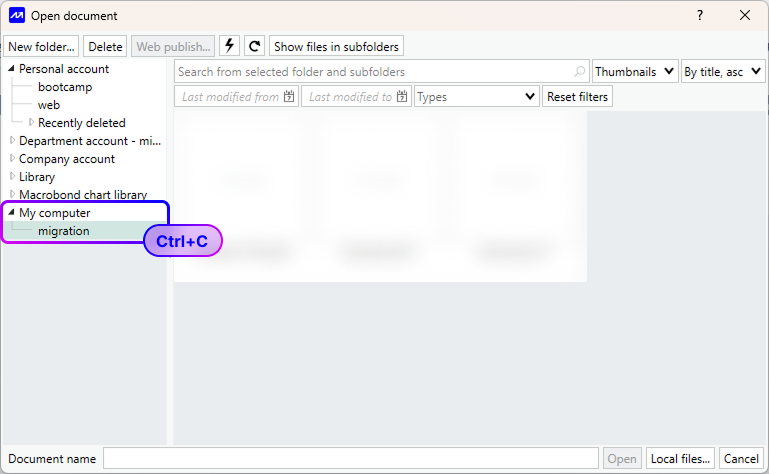
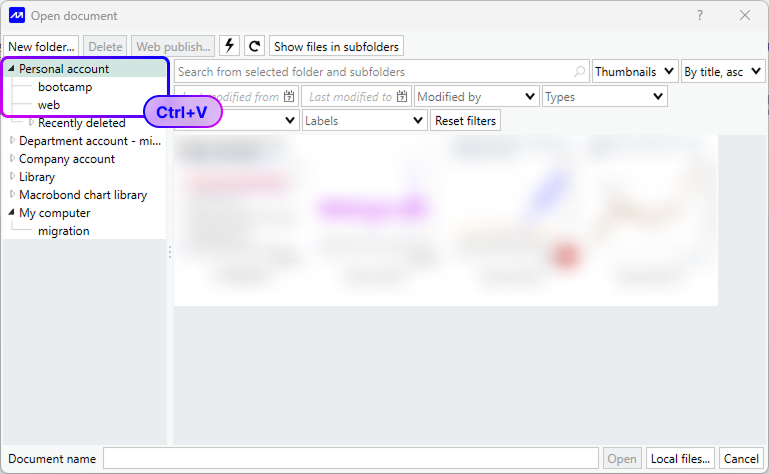
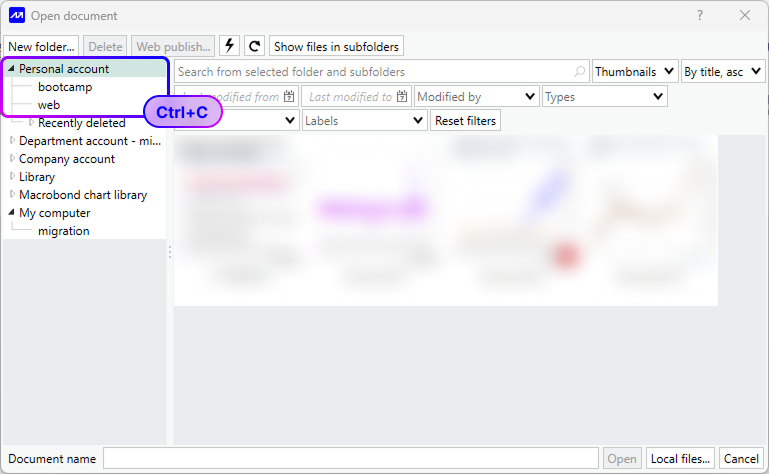
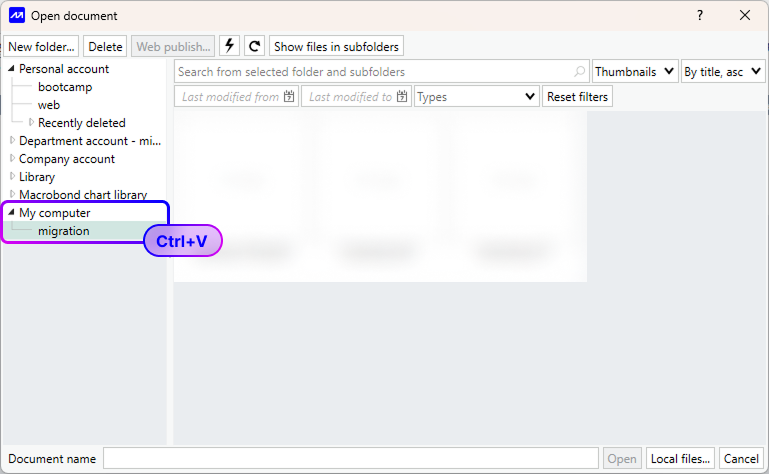
Go to File > Open Document, open your Personal account folder, select the files you want to move using Ctrl + A, copy them with Ctrl + C, then go to My computer > Migration and paste them using Ctrl + V. If there are subfolders, copy and paste them one by one into the Migration folder.
Sign in to your new account by going to Configuration > Settings > Account after all charts have been copied.
Go to File > Open Document, open My computer > Migration, copy the charts using Ctrl + C, then open your Personal account folder and paste them using Ctrl + V.