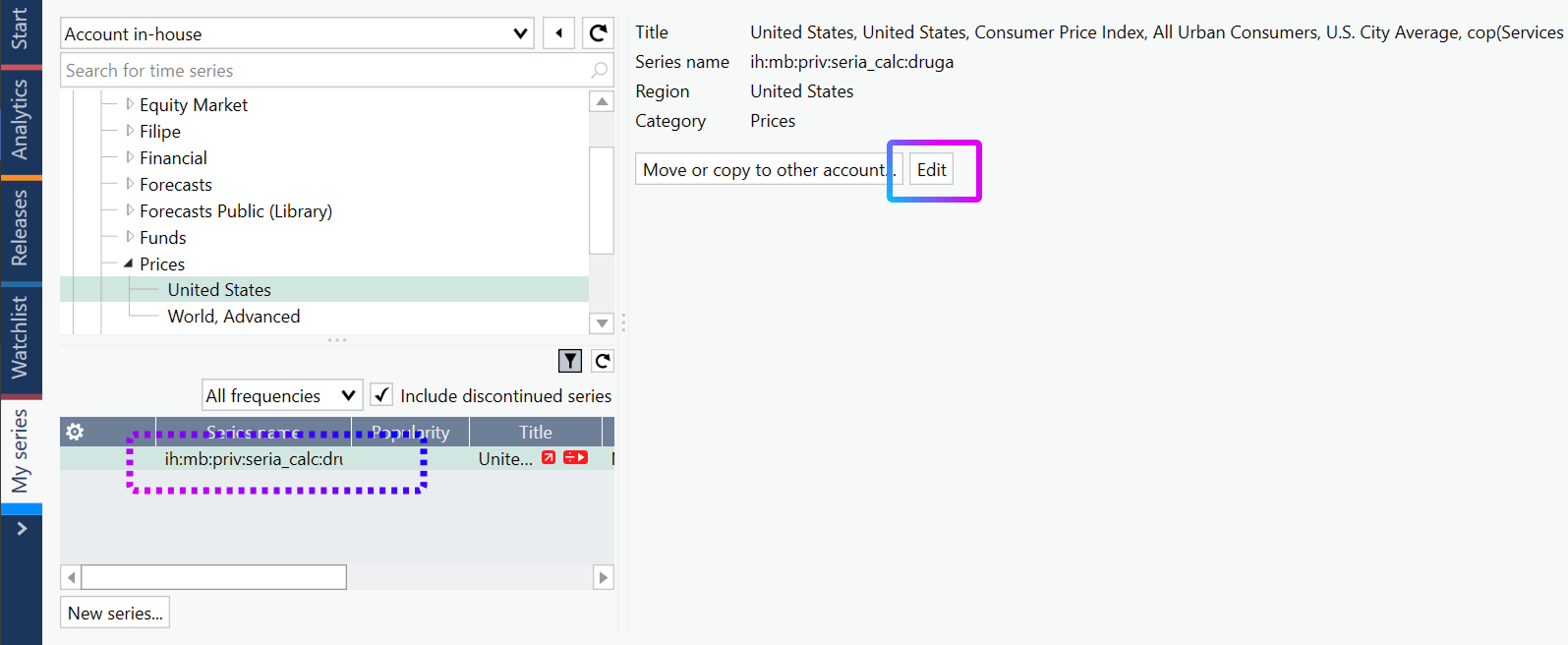
In My series tab, locate the calculated in-house series you want to move. Select it and use 'Edit' in the details pane on the right.
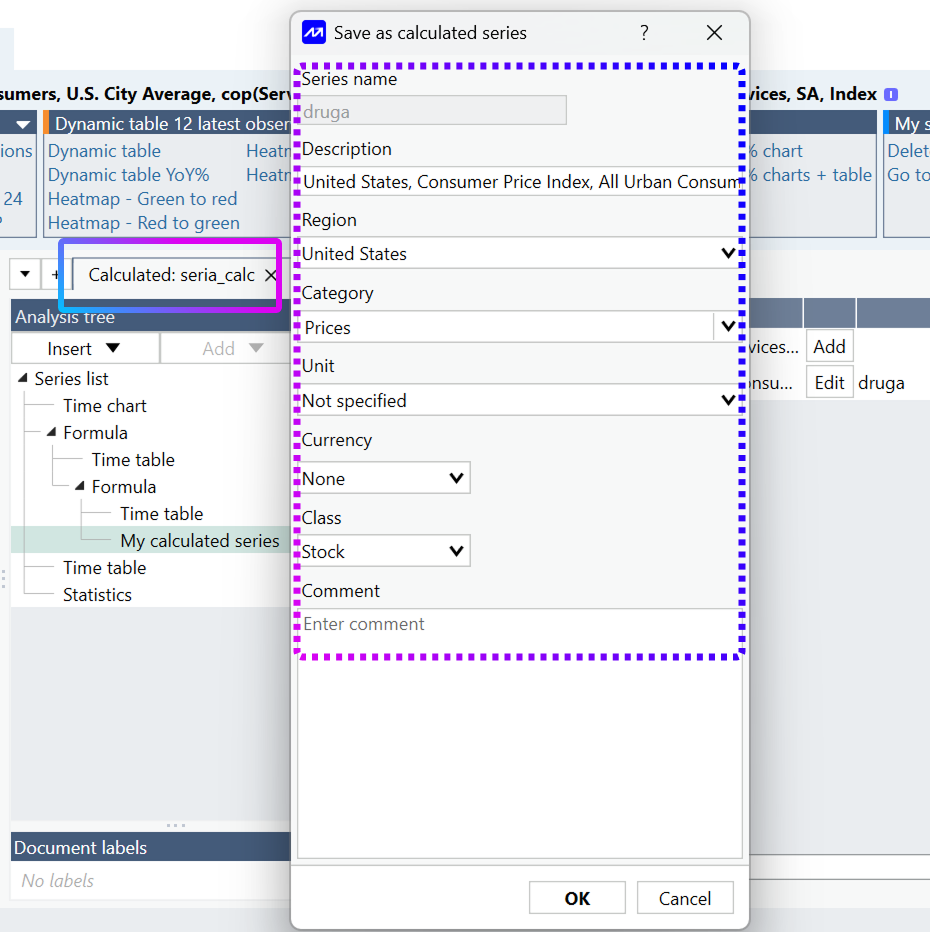
Go to Analysis tree > My calculated series node, press Edit next to the series. Copy the series information into Notepad. Use the Documents tab to identify the document name.
- Document name
- Series name
- Description
- Region
- Category
- Unit
- Currency
- Class
- Comment
! If the document contains more than one series, select Edit for every series and save all series details under the same document name. !
Create a duplicate of the document, then close the original file. Keep the duplicate open and sign in to your new account.
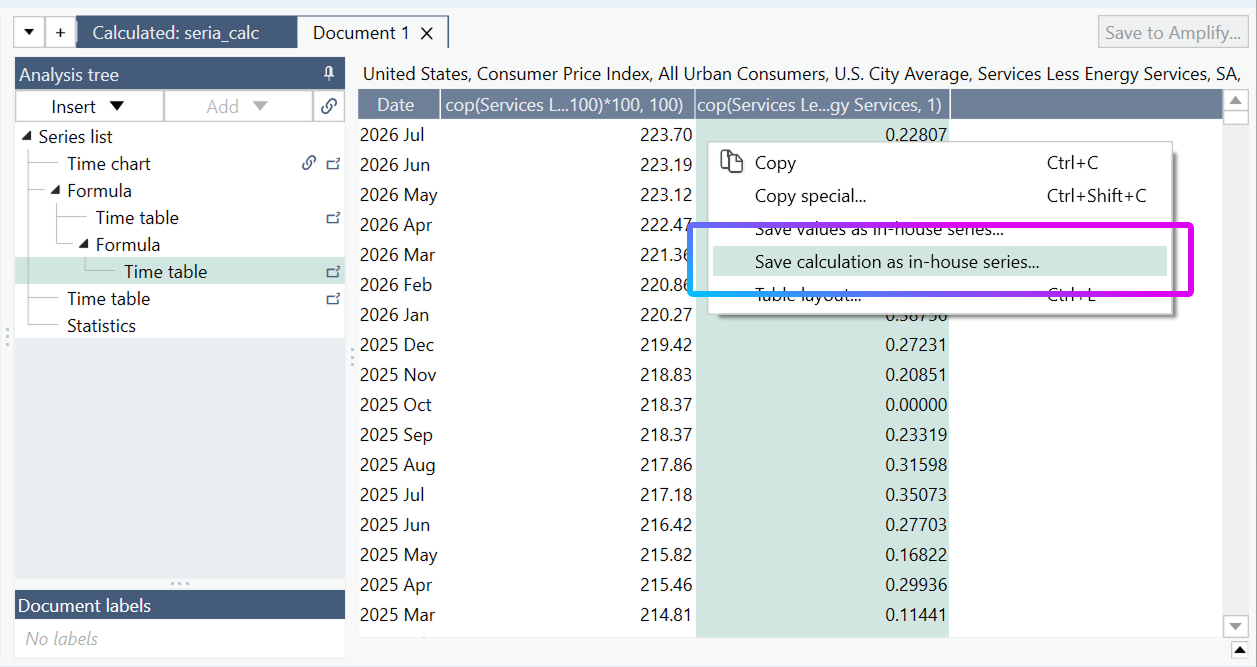
In the duplicate document, right-click the calculated output and select Save calculation as in-house series.
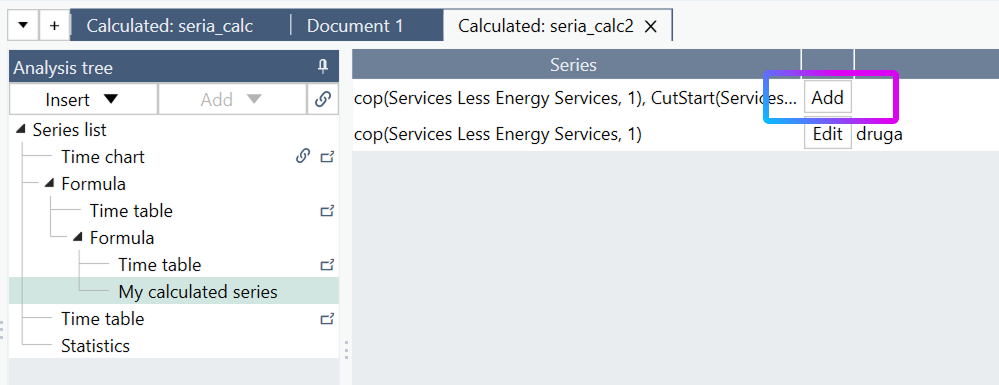
After saving the first series, open the calculated in-house document that appears. Use Add to create the remaining series from the same document.
! Add all remaining series from the same calculated in-house document. This keeps the series linked to the same source document. !