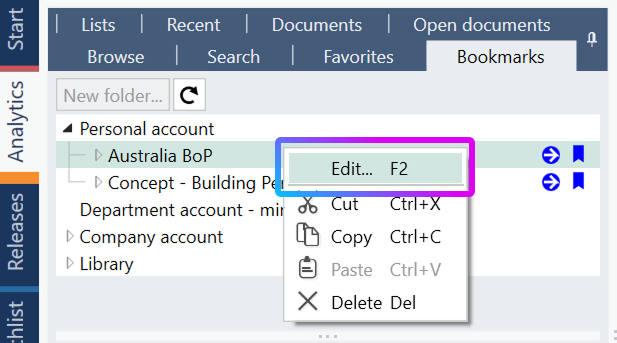
In Analytics tab open the Bookmarks sub-tab. Right-click the bookmark folder you want to migrate and select Edit.
Copy all information from the Edit bookmark window into Notepad.
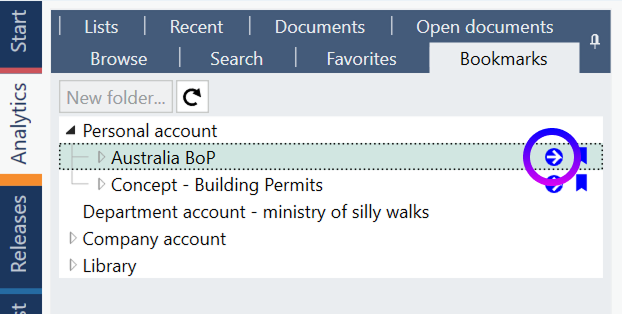
Select the blue arrow next to the bookmark to open its original location in the database.
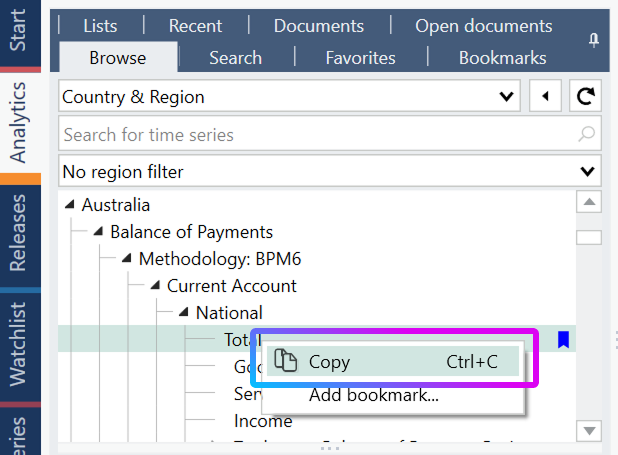
At the original location, right-click the selected branch and choose Copy.
Paste the copied information into the same Notepad entry. It should include both the database path and a direct link.

Sign in to your new account and open the saved link (paste it into browser) or navigate according to the path. It will take you to the same database branch.
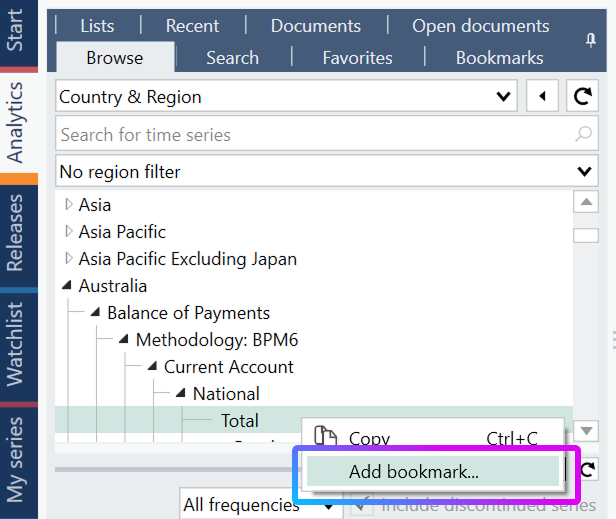
At the correct branch, right-click the item and select Add bookmark.