To record your existing style sheets:
- Open the Analytics tab.
- Navigate to the Style Sheets tab.
- Through File > Open open each custom style sheet that you want to migrate.
- Go to File > Save as.
- Save the style sheets to the My computer location.
The files are stored locally in: %appdata%\..\Local\Macrobond Financial\Stylesheets. Make sure that their names will let you know where to re-save them (or you can make screenshots), and which one of them was a default.
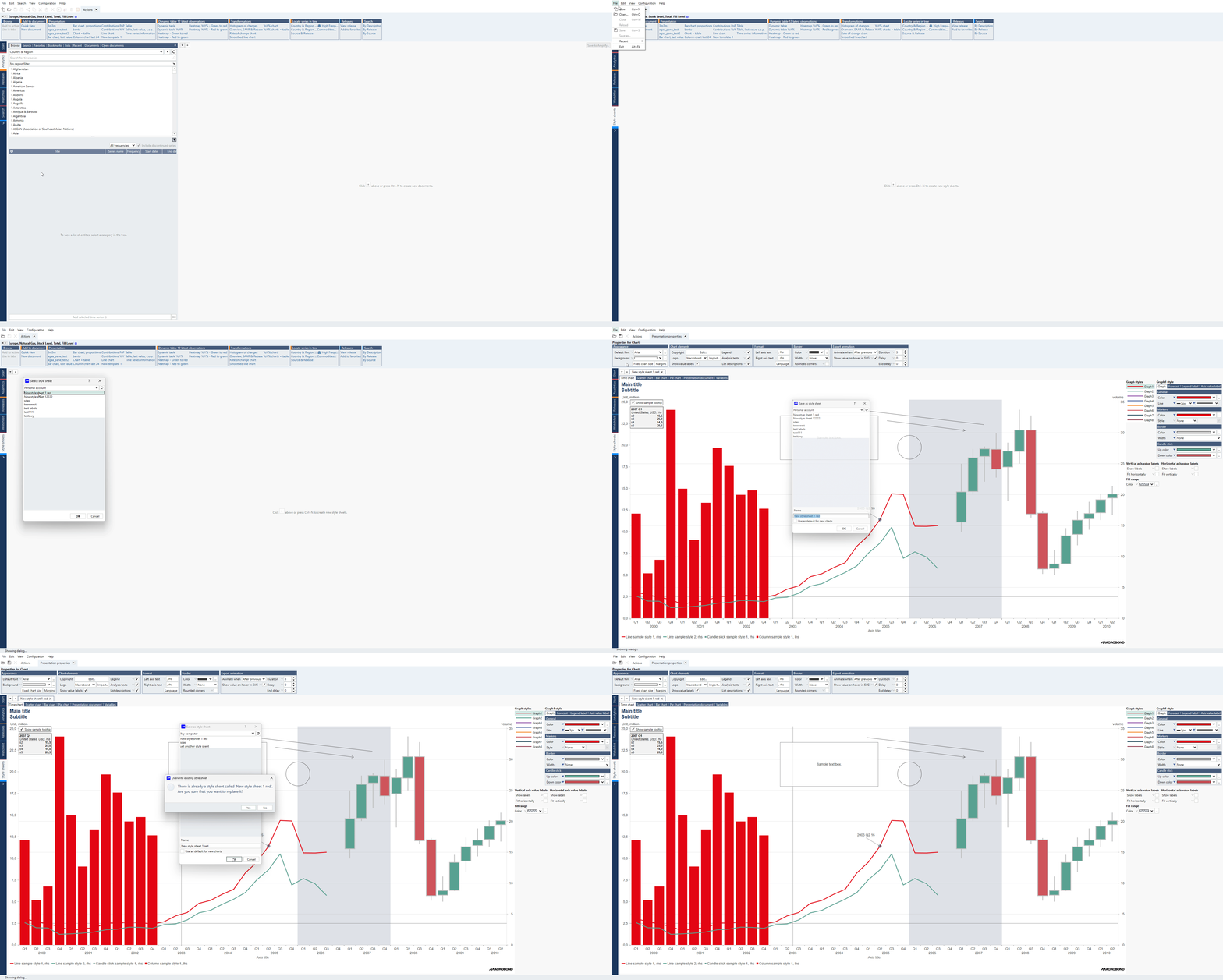
After signing in to the destination account:
- Navigate to the Style Sheets tab.
- Through File > Open > My computer open each custom style sheet that you want to migrate.
- Go to File > Save as.
- Save the style sheets to the Personal/Department/Company account.