Overview
By default the option of automatic addition of a new series is enabled. When you add a new series to a document, it’s automatically included in all your charts. You can disable this option.
Since version 1.34 you can find this option for each chart under Presentation properties > Chart elements:

How to NOT include new series?
This feature is available in Macrobond Analysis 1.34 and later.
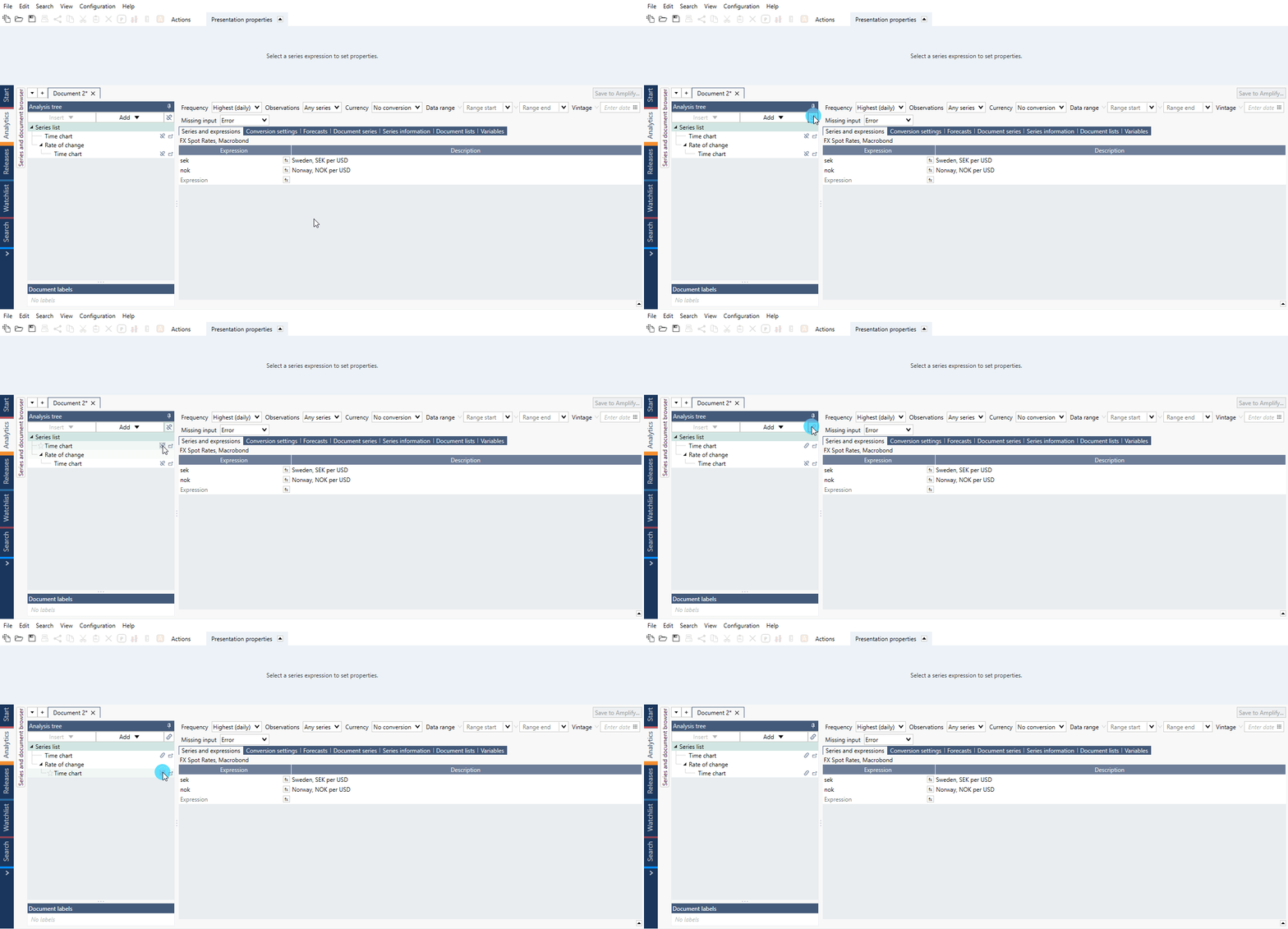
Since version 1.34 it is possible to block all charts in the document. To do this press on the link icon under the Analysis tree - now adding new series on Series list doesn't result in it being added to separate charts below.
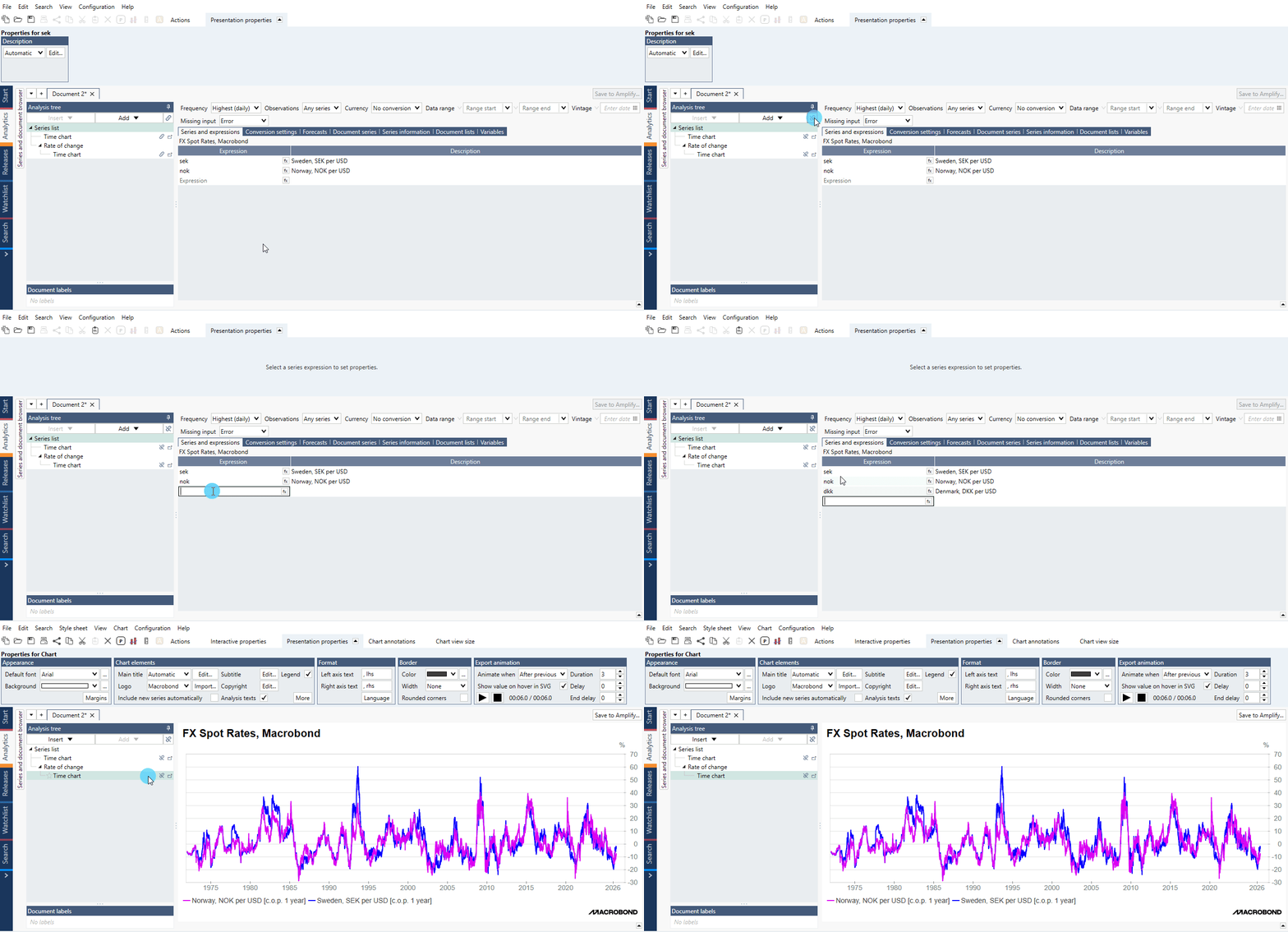
To enable automatic series adding for one chart, click on link icon next to it or go to Presentation properties > Chart elements and check Include new series automatically.
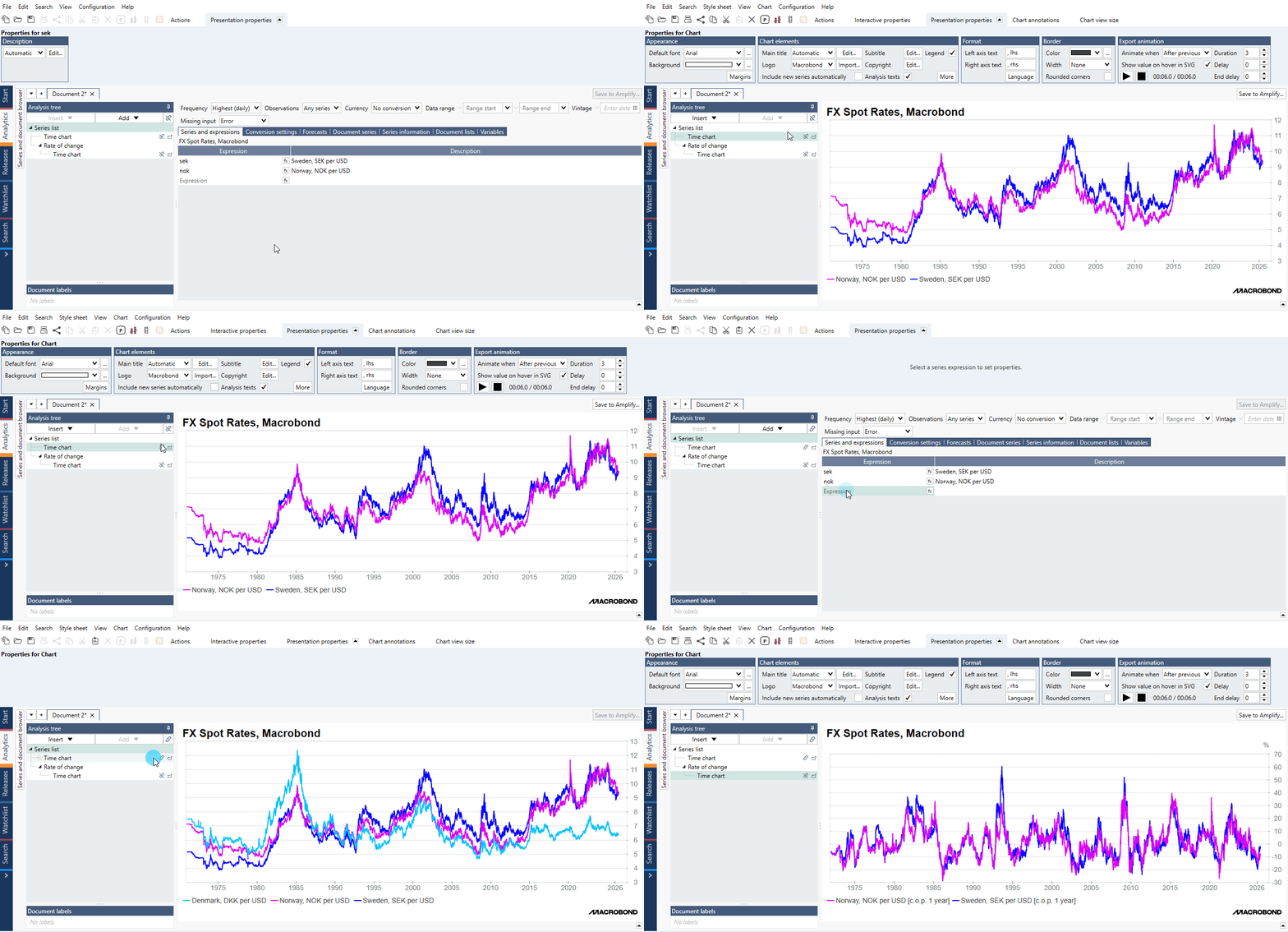
How to enable including new series?
This feature is available in Macrobond Analysis 1.34 and later.
By default this option is enabled.
If you blocked entire to document to avoid accidents you cannot unblock it. Please enable each chart separately - through 'Include new series automatically' or the icon.
Before MB Analysis 1.34
It's only available per chart.
- Click on an empty area in your chart (i.e., below the x-axis). This opens the general chart properties under the Presentation properties tab.
- Click 'More' in the chart elements box.
- Now, untick the option 'Include new series automatically'.
