Skip to content

Macrobond Help

  • Platform Overview
    • Macrobond main app
    • Macrobond Viewer
  • Product Updates
    • Release notes & Product versions
    • Data announcements
  • User Guides
    • Q&A
    • Main app user guides
      • Finding data
      • Analyzing data
      • Charting
      • Publishing & saving
    • Commonly used metadata
    • Test your skills
  • APIs/Feeds/Connectors
  • Technical Information
    • Installation guides
    • Password reset
    • Technical Q&A
    • Versions expiration
    • Data security
  • Legal
  • Support

Pictograms

If you have ever seen Wingdings fonts you know that in text fields you can also add pictures/glyphs. In Macrobond files you can also copy-paste monochromatic Unicode symbols and pictograms.
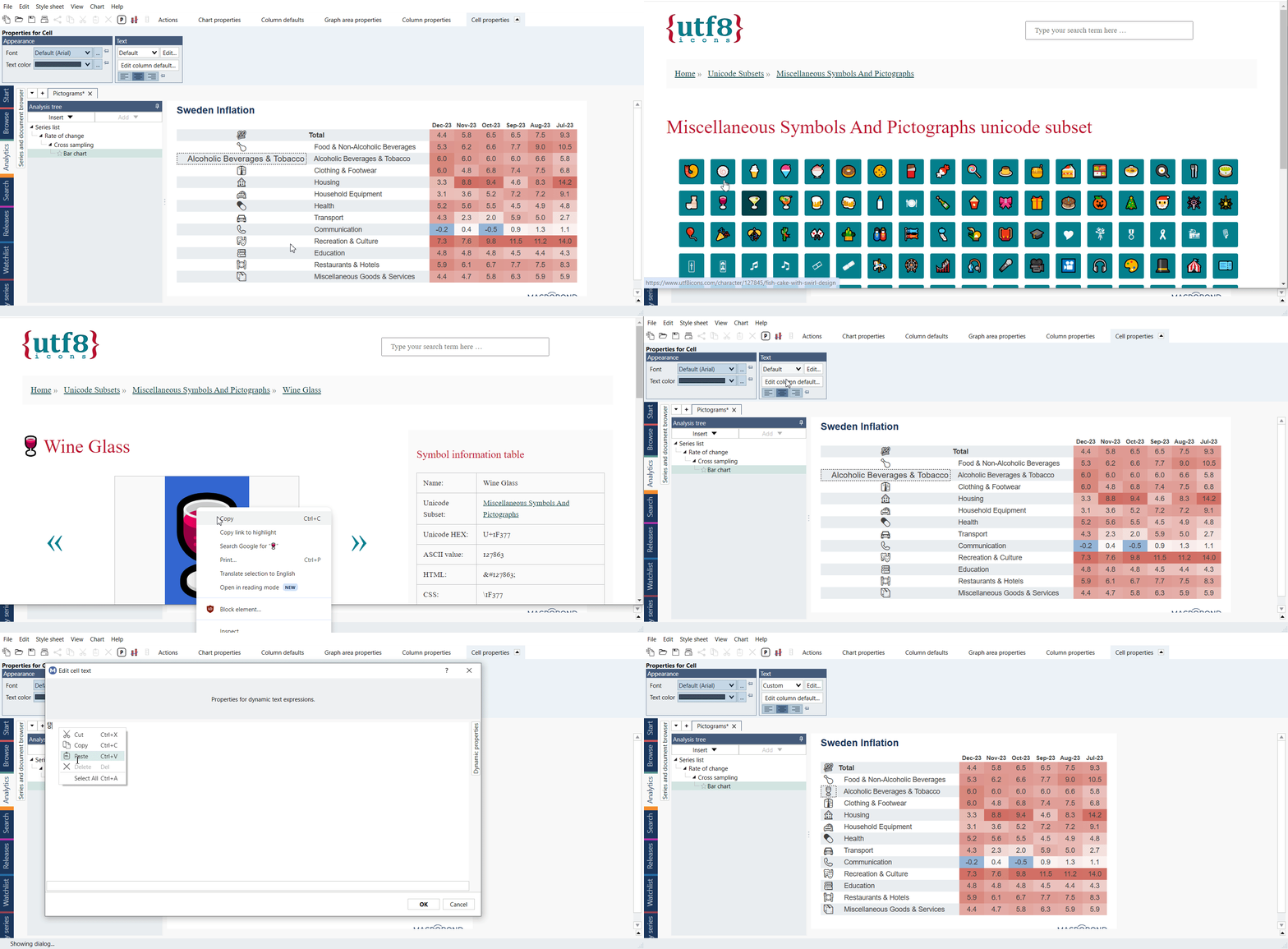
How to add a pictogram to chart?

Find a webpage or even pdf file with Unicode pictograms. For example see UTF8icons.com or unicode.com charts section with PDFs. Copy the image and paste it in a chart.
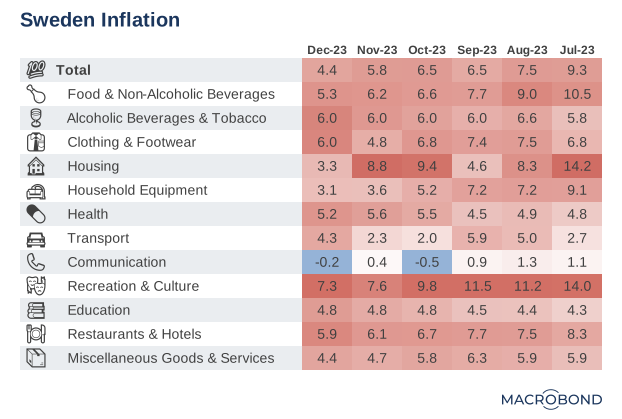
Example - Heatmap with pictograms

Tags: pictogramsymbol

Contents

  • Main app user guides
    • Finding data
    • Analyzing data
    • Charting
      • Charting – overview
      • Displaying data on a chart
      • Interactive variables (beta)
      • Types of charts
      • Elements of the chart
        • Editing text parts of chart
        • Annotations
        • Axis & Scale
        • Border, Grid & Margin
        • Colors & Patterns
        • Dynamic text
        • Font
        • Labels
        • Language on chart
        • Legend
        • Logo & Copyright
        • Pictograms
        • Recession bands (Fill range)
        • Tooltip
      • Style sheet
      • Chart view size
    • Publishing & saving

Related material

  • Symbol chart from bar chart (mini pie charts) 1 tag related Chart types
  • Platform Overview
    • Macrobond main app
    • Macrobond Viewer
  • Product Updates
    • Release notes & Product versions
    • Data announcements
  • User Guides
    • Q&A
    • Main app user guides
      • Finding data
      • Analyzing data
      • Charting
      • Publishing & saving
    • Commonly used metadata
    • Test your skills
  • APIs/Feeds/Connectors
  • Technical Information
    • Installation guides
    • Password reset
    • Technical Q&A
    • Versions expiration
    • Data security
  • Legal
  • Support
Macrobond Help Cookie policy © Macrobond | All rights reserved