Macrobond Amplify is an interactive research platform that lets you explore economic insights clearly and confidently. It brings charts and analysis together in a single, structured experience, allowing you to engage with the data, adjust views, and understand the story behind it.
To get started with Amplify, you will need to log in first.
If you’re already a Macrobond customer
Go to app.macrobond.com/amplify. Sign in using your usual Macrobond username and password.
The first time you visit Amplify you’ll be asked to log in. After that, you’ll be signed in automatically on future visits.
If you’re new to Macrobond
You can request access from the login screen: 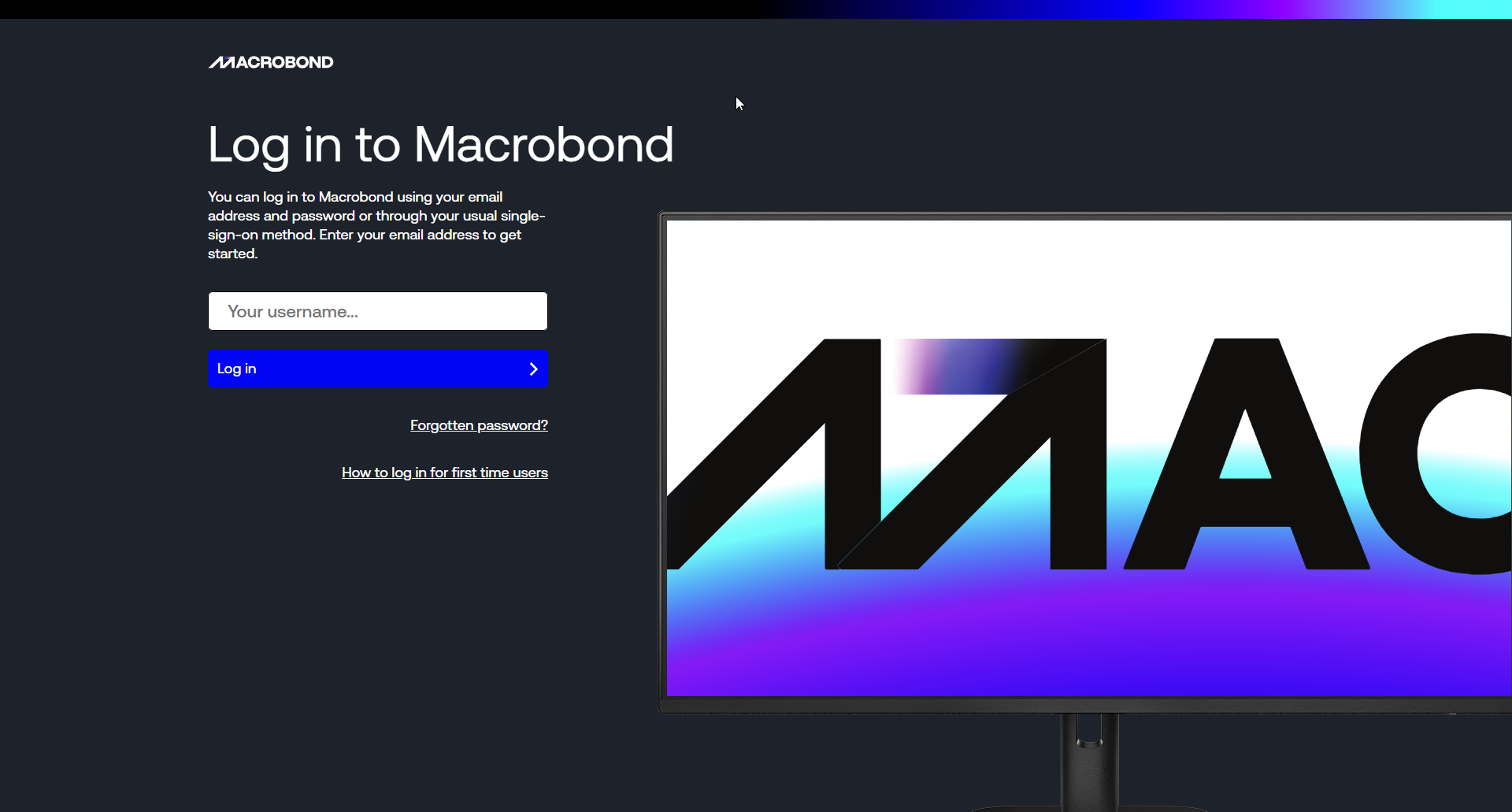
- Click 'How to log in for first time users'
- Enter your work email address.
- Complete the CAPTCHA.
- Click Submit.
You’ll receive an email with instructions to set your password and start using Amplify.
If you received a link to an Amplify Asset
If someone has shared an Amplify link with you, your email address should already be included in the distribution list.
When you log in for the first time, you’ll be asked to answer a few quick questions. These help us tailor your experience with Macrobond. The questions are required, take only a few seconds to complete, and you’ll only need to do this once.
Once you’re logged in, you’ll see all of the Assets that have been shared with you. For help navigating and viewing Assets, see:
Video guide* Help page: Viewing Assets
*please note access to the video is behind an Allego Login