As an administrator on your department or organizational Macrobond account, you have the ability to manage aspects of Amplify to ensure your teams are as efficient and secure as possible when creating assets for their clients.
There are two elements you can control – creating new Consumer accounts and which distribution lists those Consumers sit on. To do this, visit admin.macrobond.com and log in using your Macrobond username and password or SSO (single sign-on).
Once you have logged in using your Macrobond username and password, you will see a list of all users, both internal and external that are ready to be, or are already on, an access list.
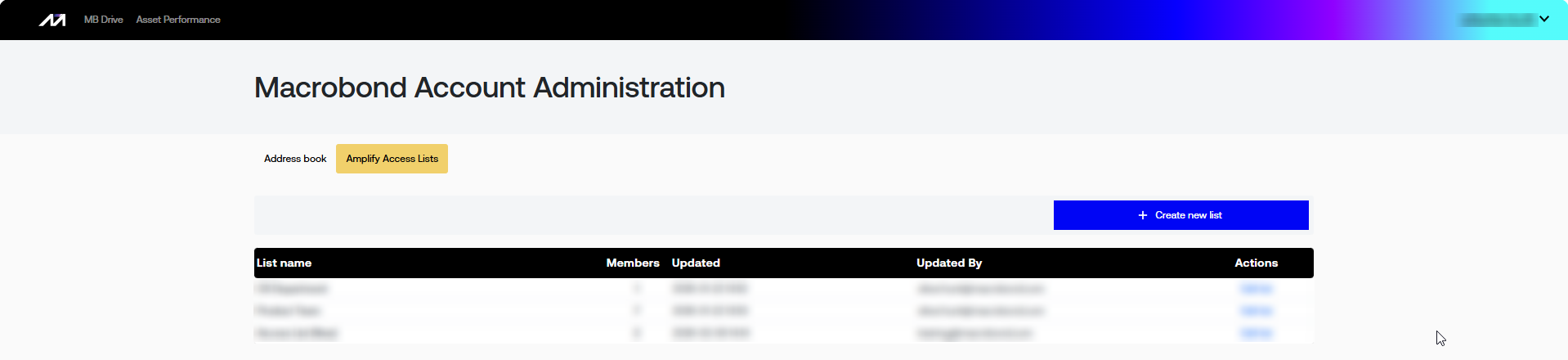
An Access list is a defined group of people - internal, external, or both, that your team can use when they’re sharing their Amplify assets. You will also see at the top, under the page title, two tabs that allow you to jump between the Address book and the Amplify Access Lists.
You can also invite external users straight into an asset, and those invited readers set themselves up through a quick sign-up link - no need to pre-whitelist every individual.
The Admin panel allows you to create and manage users and configure distribution access lists. Guidance on working with both is available in the video guide and supporting help content:
Video guide* Help page: Access List Help page: Invitations
*please note access to the video is behind an Allego Login